Install LevFlix TV on Your TV
Follow these simple steps to get LevFlix TV Series & Movies running on your TV or streaming device.
Install 'Downloader'
First, you need the 'Downloader' app. Go to the Google Play Store on your TV or streaming device, search for "Downloader", and install it.
This app allows you to download files from the internet directly onto your device.

Enter the Code or Link
Open the Downloader app. In the main URL bar, enter the following short code:
9337438
Alternatively, you can type this exact link into the URL bar:
https://tinyurl.com/levflix-apk
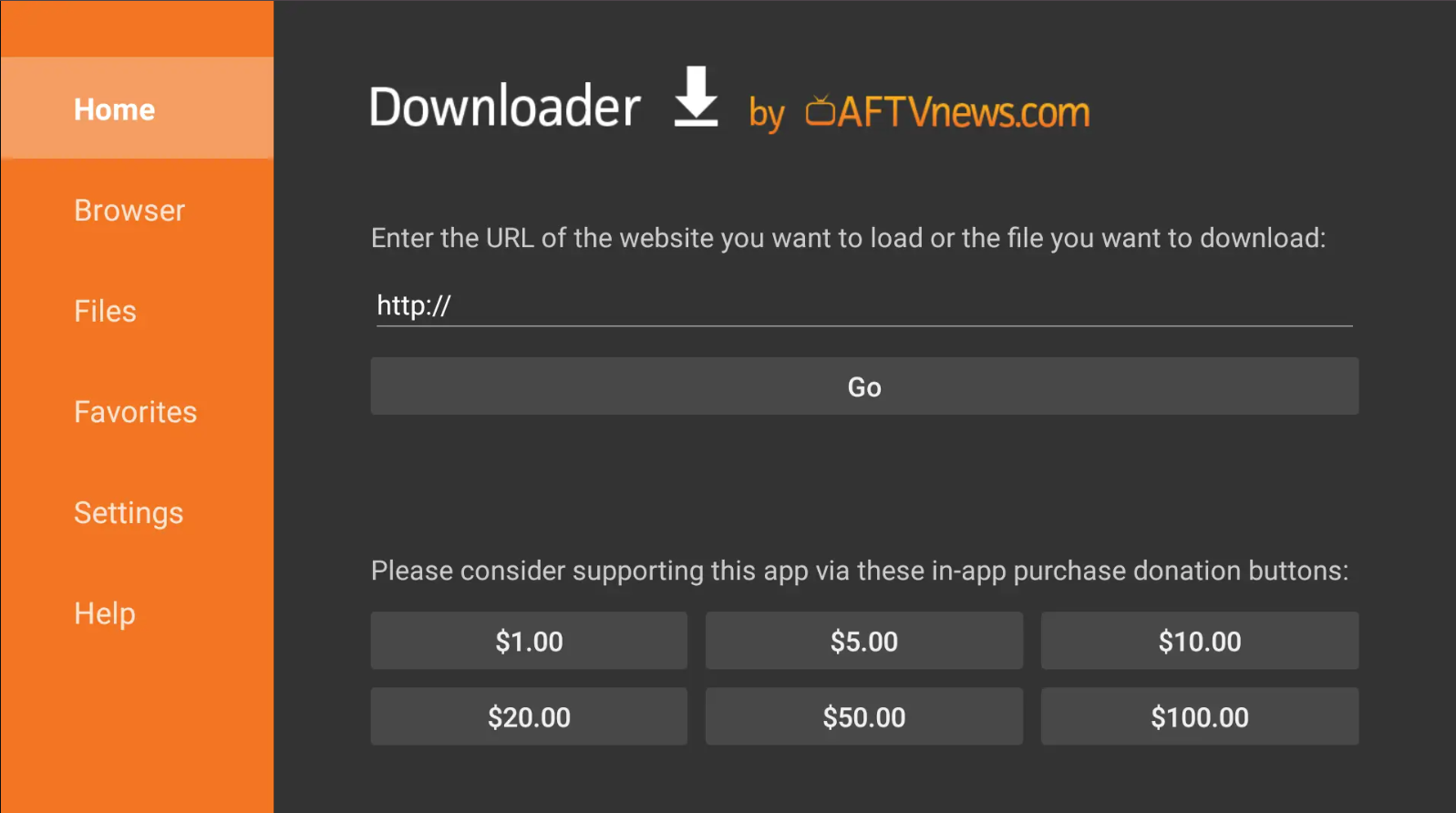
Install & Grant Permissions
Press GO. Wait about 5 seconds for the file to download, then click 'Install' when prompted.
Important!
Your TV will likely ask for permission to install apps from "unknown sources". You must grant permission to 'Downloader' in your TV's settings. If prompted, simply confirm and then return to the installation.